Virtualization, Cloud, Infrastructure and all that stuff in-between
My ramblings on the stuff that holds it all together
Daily Archives: May 8, 2009
vSphere RC RAM Under VMware Workstation: How Low Can You Go?
Posted by on May 8, 2009
Getting ESX (in it’s various versions) to run under VMware Workstation has proven to be a very popular article on this blog, if you are a consultant who has to do product demos of VI3/vSphere or are studying for your VCP it’s a very useful thing to be able to do on your own laptop rather than rely on remote connections or lugging around demo kit.
Good news; the RC build of vSphere will boot under the latest VMware Workstation build (6.5.2) without any of the .vmx hackery you had to do in previous versions and it seems quite fast to boot.
Bad news: the RC build of vSphere needs at least 2GB of RAM to boot, this is a problem for a laptop with 4GB of RAM as it means you can only really run one at a time.
Luckily: Duncan Epping (or VCDX 007; licenced to design :)) has discovered how you can hack the startup script to allow it to run in less than 2GB of RAM – details here, this isn’t officially supported – but it does work.
In the interests of science I did some experimentation with VM’s with various amounts of decreasing RAM to see what the bare minimum RAM you can get away with for a VM’d version of vSphere RC.
The magic number seems to be 768Mb of RAM, if you allocate less than this to the VM then it results in a Purple Screen of Death (PSOD) at boot time.
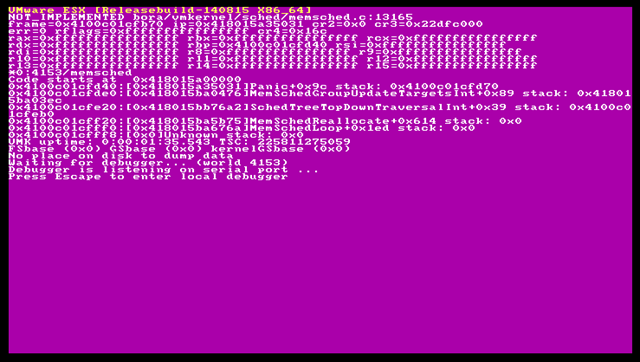
Note – this may change for the GA/RTM final version – but these are my findings for RC
The relevant section of my /etc/vmware/init/init.d/00.vmnix file looks like the following (note it won’t actually boot with 512mb assigned to the VM)

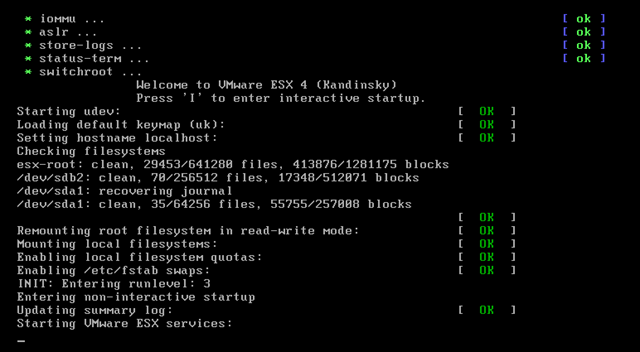
Some screen captures of the vSphere RC boot process below

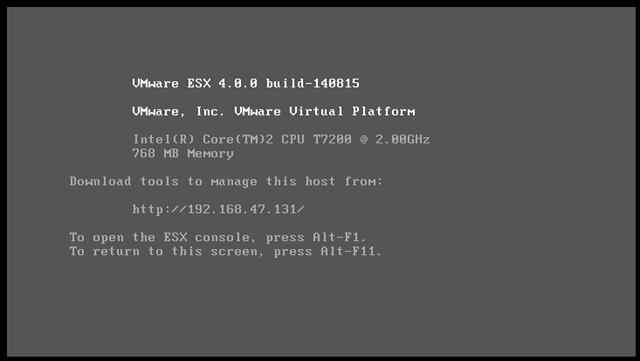
And finally the boot screen once it’s finished – it takes 2-3 mins with 768Mb of RAM on my laptop to get to this boot screen.
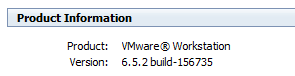
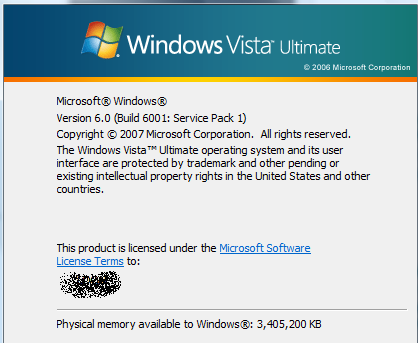
I am doing this on a Dell D620 with 4Gb RAM and Intel VT enabled in the BIOS, running Vista x86 and VMware Workstation v6.5.2 build 156735
I haven’t tried, but I assume I can’t power on VM’s under this instance of vSphere but I can connect them to a vCenter 4 machine and practice with all the management and configuration tools.
Happy tweaking…

 Virtualization, Cloud, Infrastructure and all that stuff in-between