Virtualization, Cloud, Infrastructure and all that stuff in-between
My ramblings on the stuff that holds it all together
One Button Access to Copilot on iPhone
Posted by on April 22, 2025
So far I’ve found Apple Intelligence a bit underwhelming. Copilot however, has access to all my work context, emails, Teams messages, my calendar etc. so I’d like quick access to use it – there is no way to replace Apple Intelligence wholesale yet
Disclaimer: Yes, I am a Microsoft employee, but this is just something I find useful, other AI’s are available.
You can get quick access to Copilot by configuring the Action Button on recent iPhones to launch the M365 Copilot app. (note there is a difference between the two Copilot apps available on the iPhone.
‘Consumer’ Copilot is free other than needing a Microsoft personal account and only has access to data from the Internet (‘consumer’ may not be the correct marketing name)
M365 Copilot app requires a paid-for license but can search work content (only the content you have access to)
On the iPhone you can go to settings, type ‘Action Button’ and select it

Then swipe left/right to find the ‘Shortcut’ option and tap

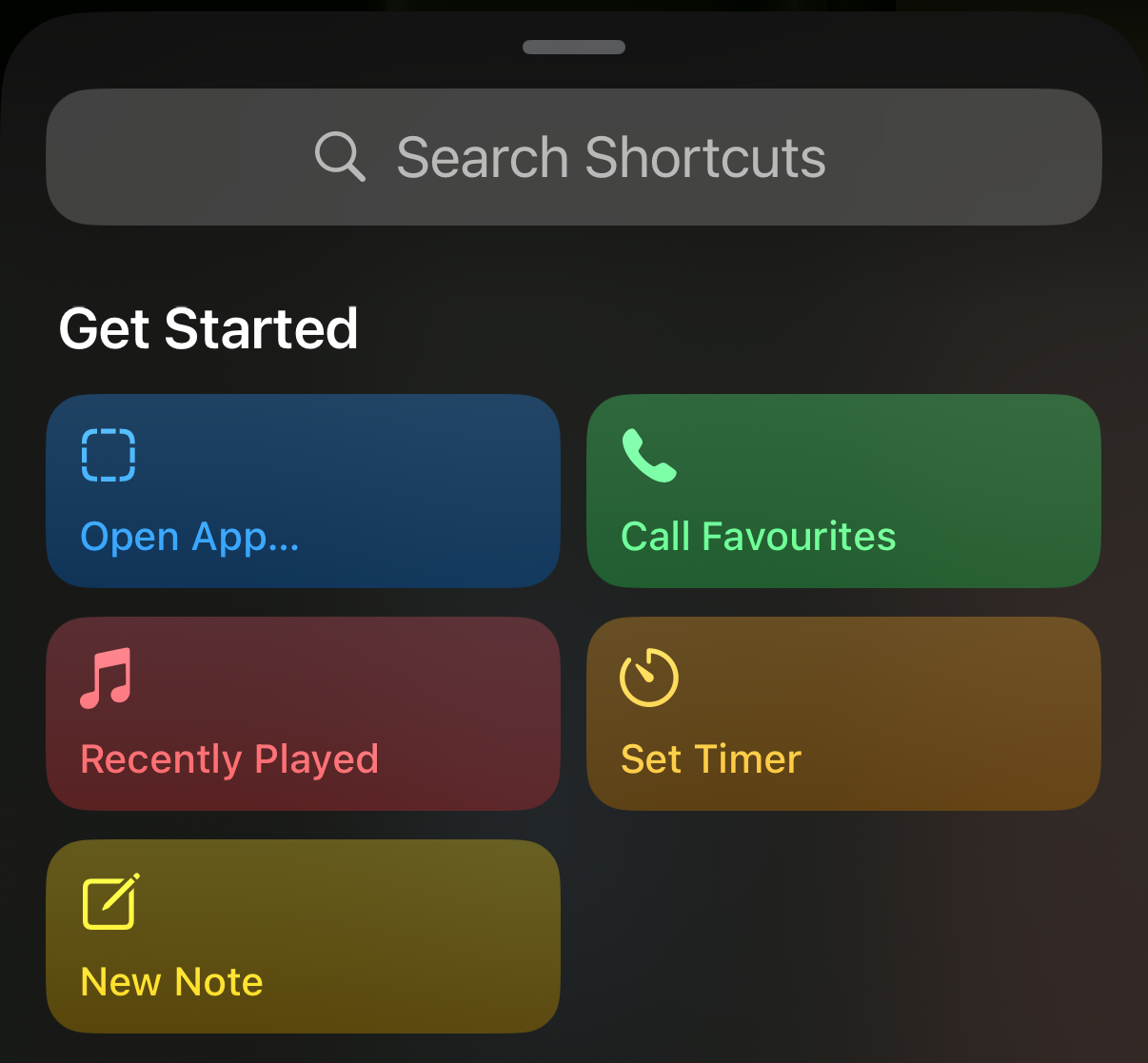
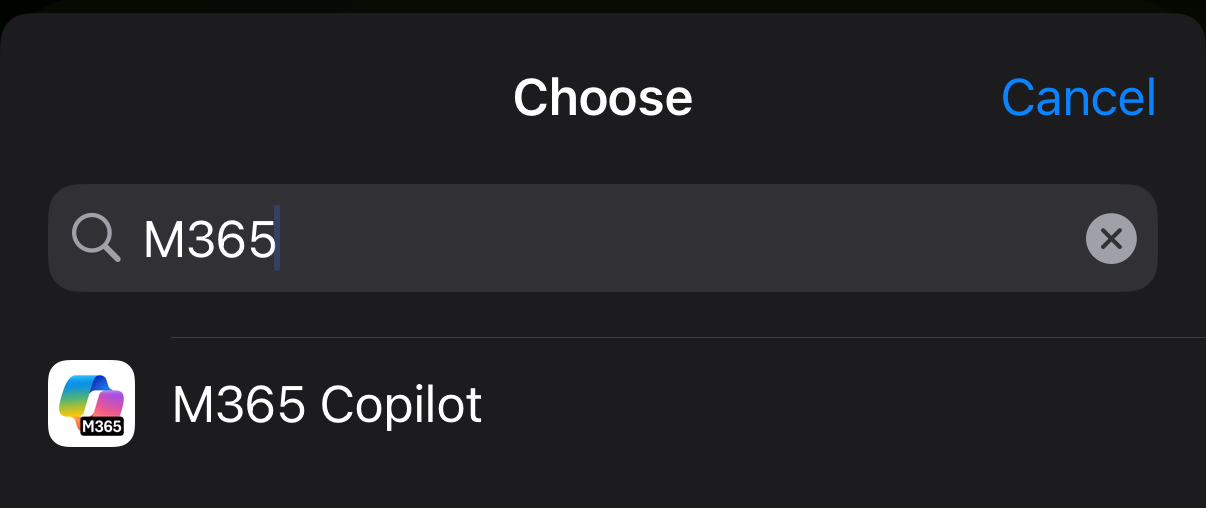
‘Open App’ from the shortcuts screen and choose the M365 Copilot app from the list (search if you have a lot of apps)
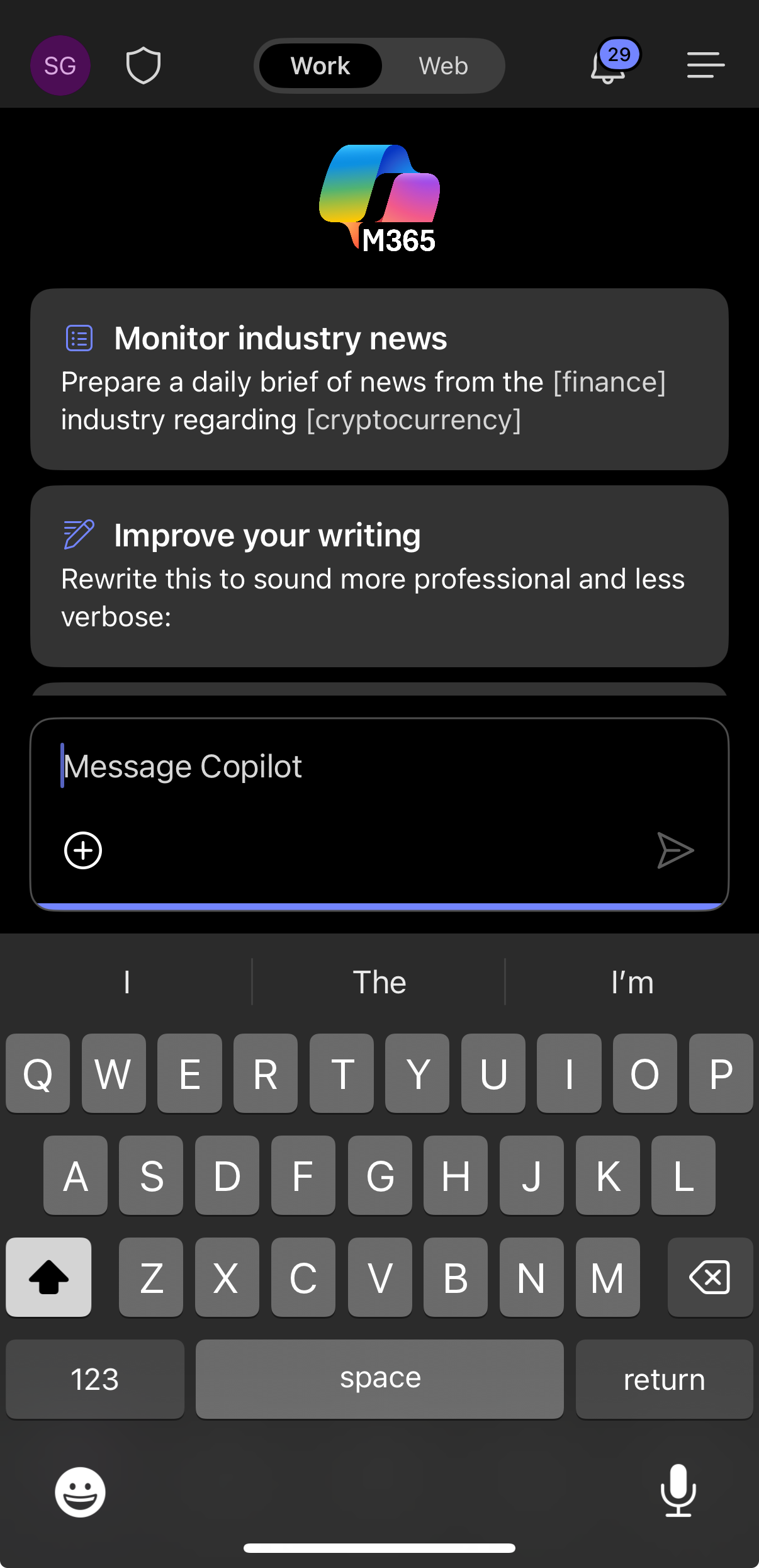
Now, when you press the Action Button you’re put directly into the M365 Copilot app, it doesn’t default to voice search so you have to type your prompt, or press the microphone button to use your voice.

 Virtualization, Cloud, Infrastructure and all that stuff in-between