Virtualization, Cloud, Infrastructure and all that stuff in-between
My ramblings on the stuff that holds it all together
image.png
Leave a comment
Published February 19, 2009 at 362 × 480 in Using VMware vCenter Converter 4 to create a Virtual Center Template
image.png
Leave a comment
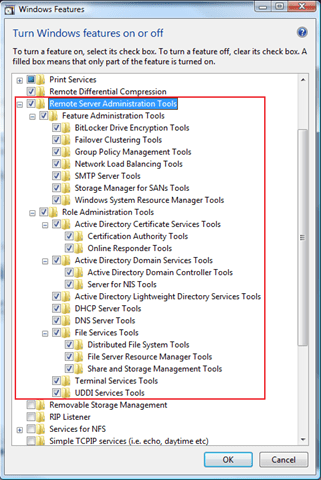
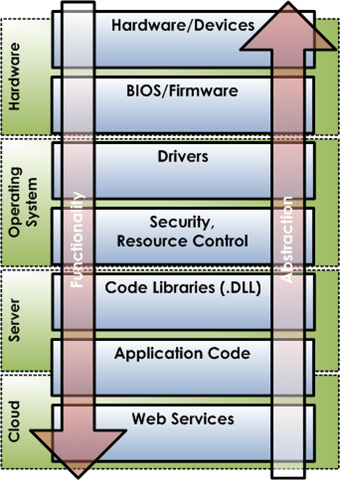
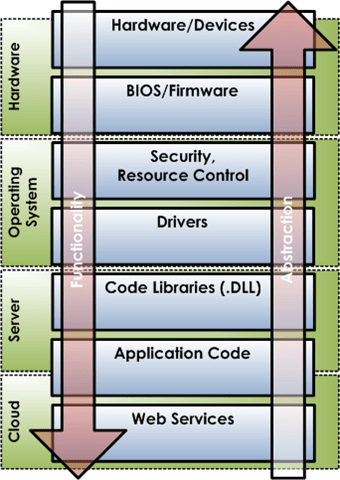
Published February 11, 2009 at 321 × 480 in How to Administer a Windows 2008 Server from a Vista Client
image.png
Leave a comment
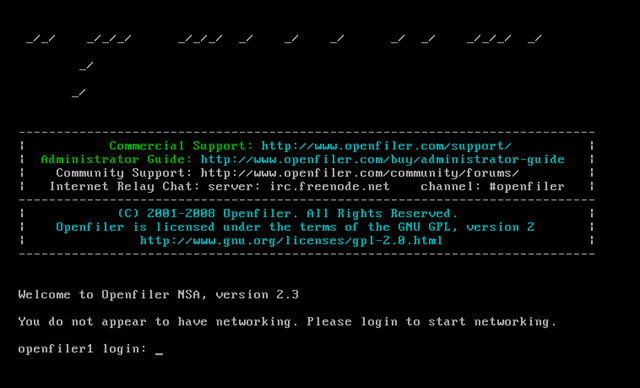
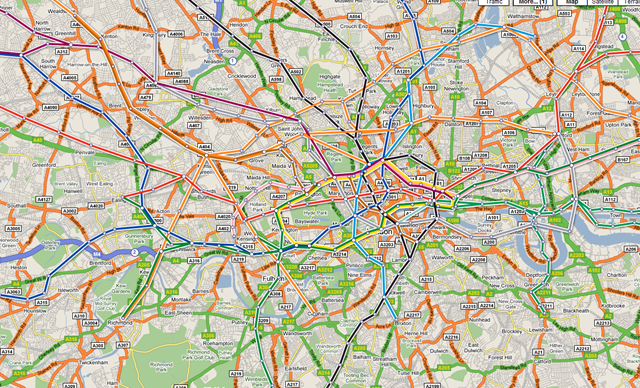
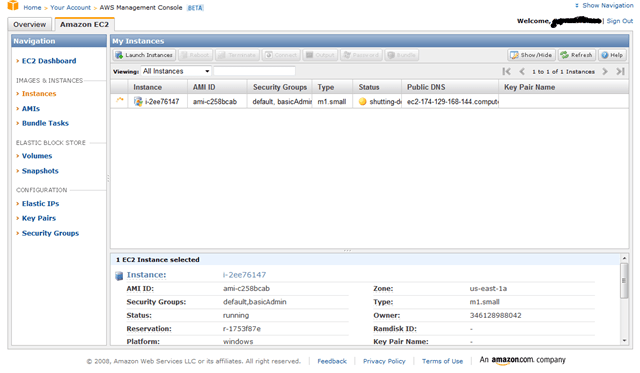
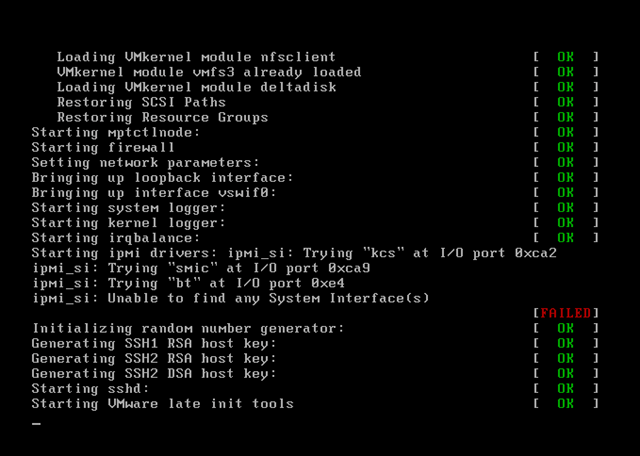
Published February 3, 2009 at 640 × 388 in Cannot Set Static IP in OpenFiler When Running as a VM
image.png
Leave a comment
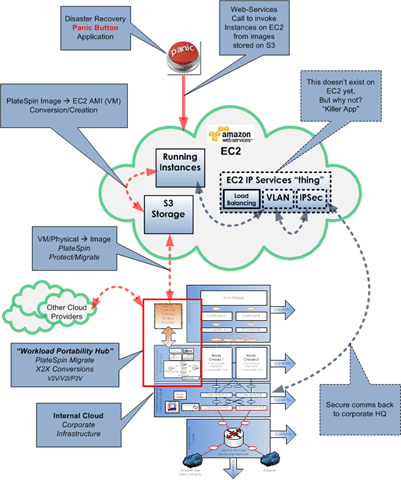
Published January 23, 2009 at 401 × 480 in Workload Portability: Ultimate Cloud Edition
image.png
Leave a comment
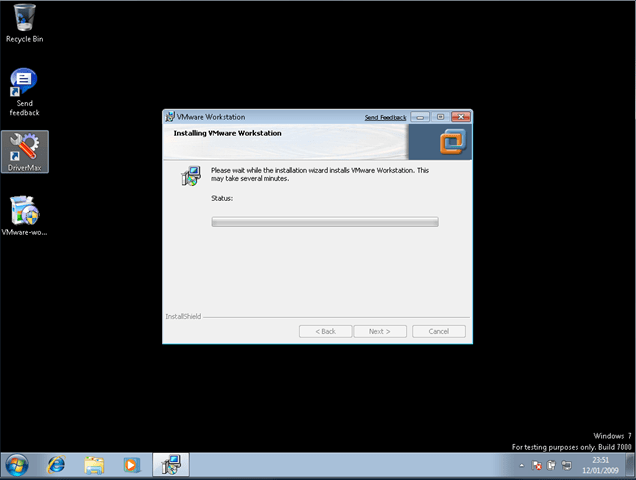
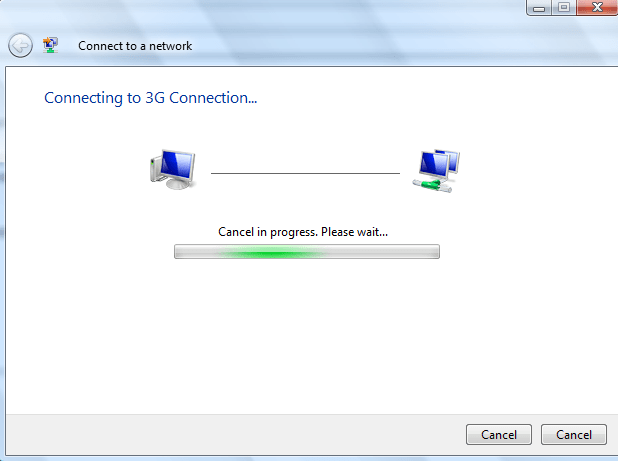
Published January 13, 2009 at 636 × 480 in Problem Installing VMWare Workstation on Windows 7
image.png
Leave a comment
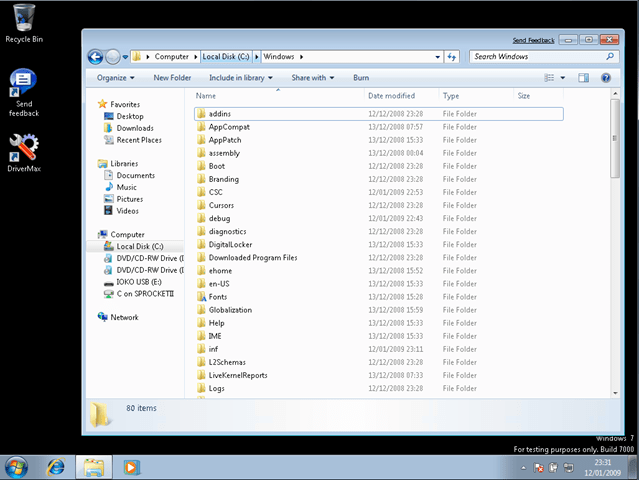
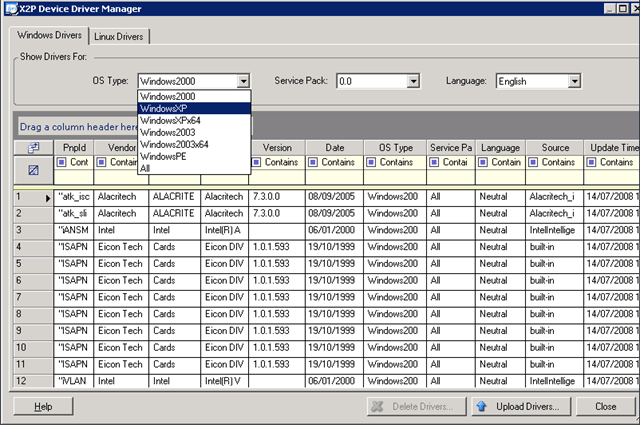
Published January 12, 2009 at 639 × 480 in Windows 7 and the Intel 855GM Video Driver "Solution"
image.png
Leave a comment
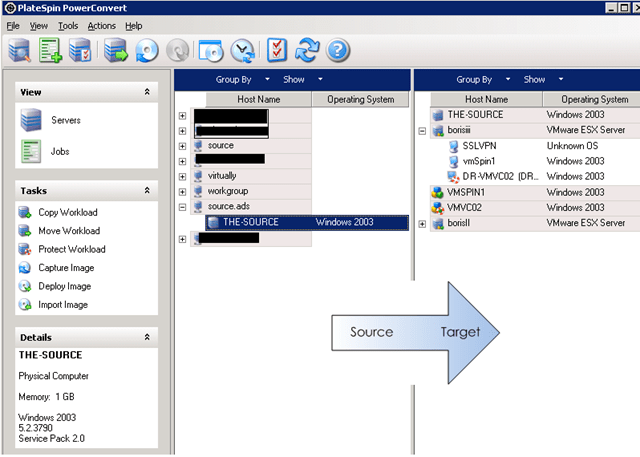
Published November 21, 2008 at 512 × 386 in Platespin Power Convert – Installation problem – Error Running a Custom Action
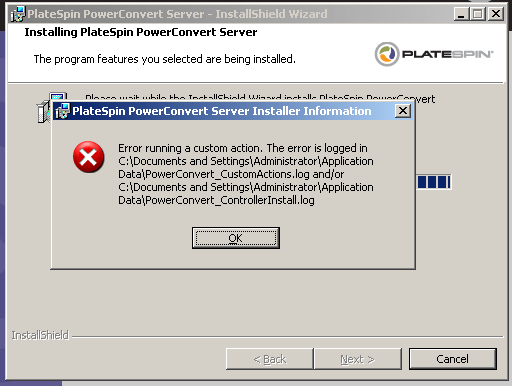
image.png
Leave a comment
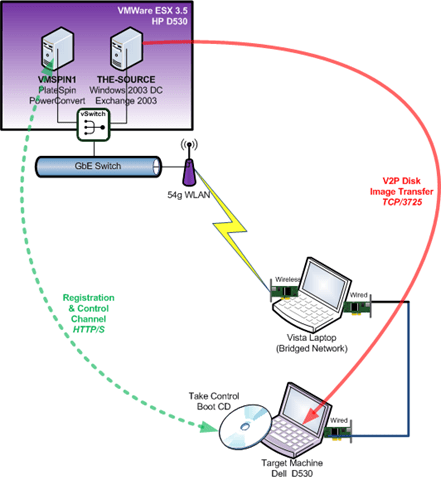
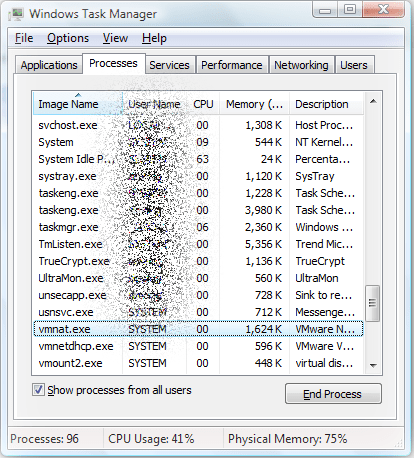
Published October 1, 2008 at 414 × 458 in Workstation VMs loose network connectivity
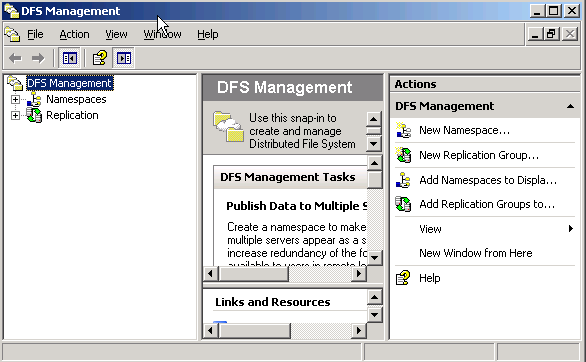
image.png
Leave a comment
Published September 14, 2008 at 586 × 362 in Mapping a drive to a VSS Snapshot & General DFS-R woes
image.png
Leave a comment
Published September 14, 2008 at 201 × 34 in Mapping a drive to a VSS Snapshot & General DFS-R woes
image.png
Leave a comment
Published August 28, 2008 at 246 × 41 in VMWare Workstation 6.5 Release Candidate Build 110068
image.png
Leave a comment
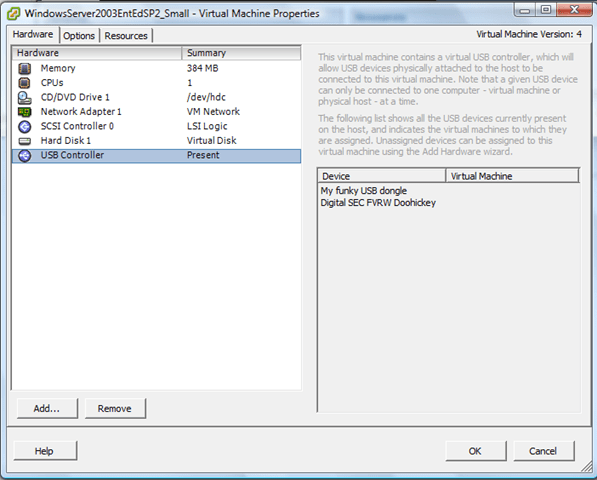
Published July 5, 2008 at 597 × 480 in Funky USB Device Entries After Using VM Converter..
image.png
Leave a comment
Published July 1, 2008 at 156 × 44 in VMWare Workstation 6.5 Beta 2 – my experiences
image.png
Leave a comment
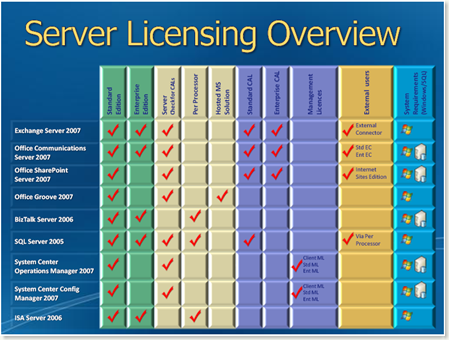
Published July 1, 2008 at 449 × 340 in Handy Reference Chart for Microsoft Server Application Licences
image.png
Leave a comment
Published June 23, 2008 at 93 × 89 in Virtualization – the key to delivering "cloud based architecture" NOW.
image.png
Leave a comment
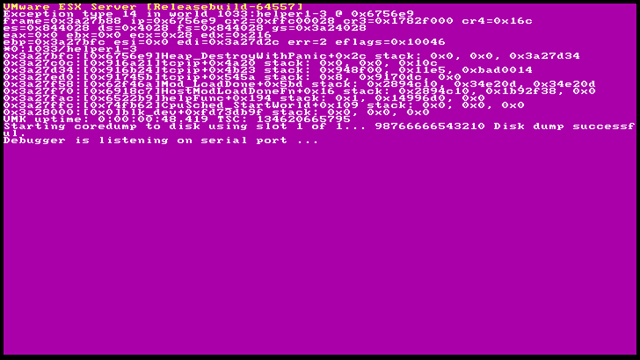
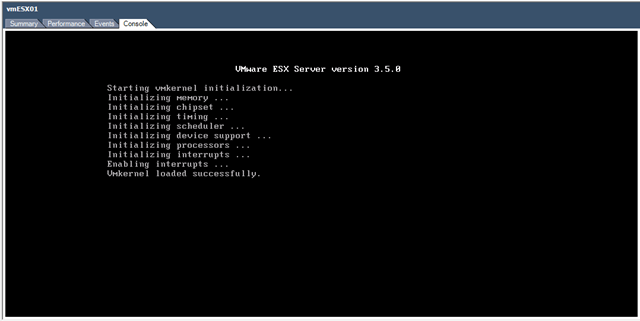
Published May 18, 2008 at 640 × 456 in Running ESX 3.5 and 3i Under VMWare Workstation 6.5 Beta Build 91182
image.png
Leave a comment
Published May 18, 2008 at 640 × 124 in New VMWare Workstation 6.5 Build(s) and ability to run ESX 3.5
image.png
Leave a comment
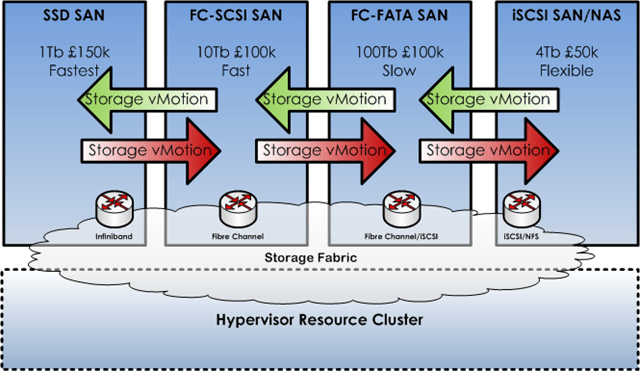
Published May 13, 2008 at 640 × 371 in Solid Sate SAN, Storage vMotion and VMWare – HSM for your VMs
image.png
Leave a comment
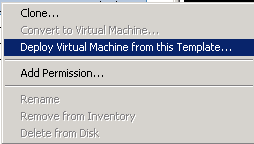
Published May 13, 2008 at 254 × 144 in Deleting a Virtual Machine from Virtual Center and Disk
image.png
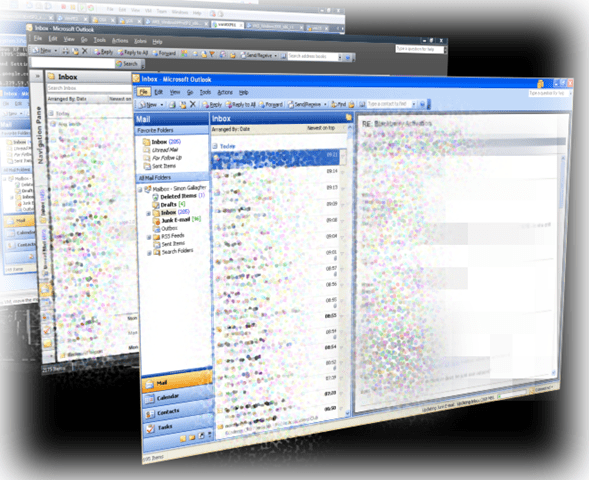
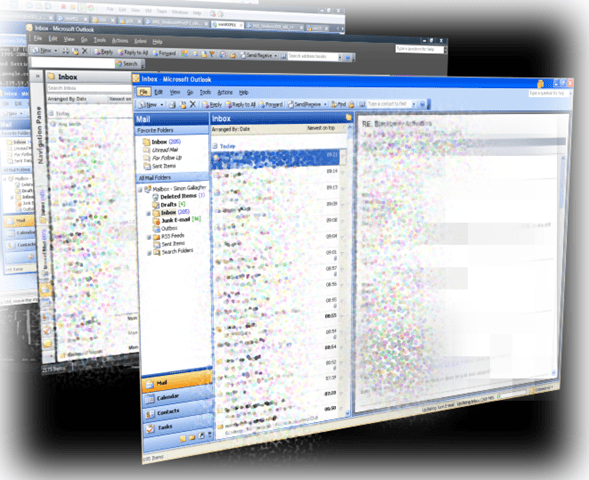
Leave a comment
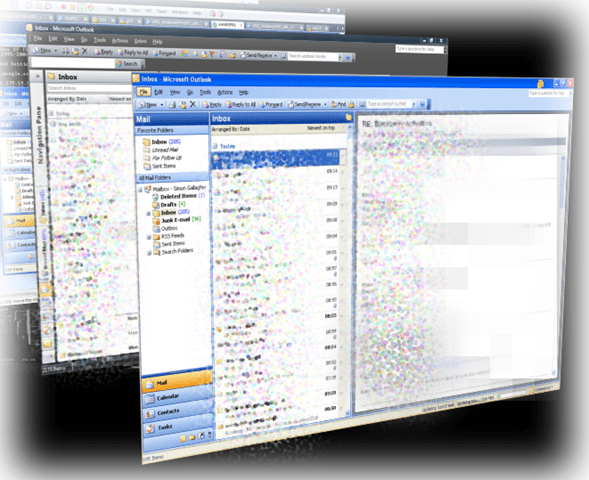
Published April 30, 2008 at 292 × 480 in VMWare Workstation 6.5 Beta – Run Multiple Copies of Outlook/Exchange via Unity
image.png
Leave a comment
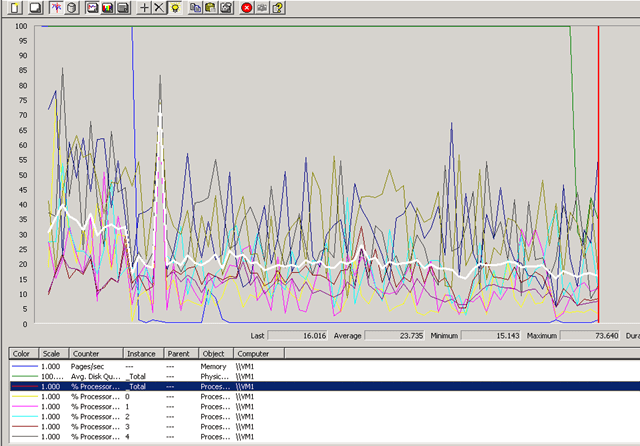
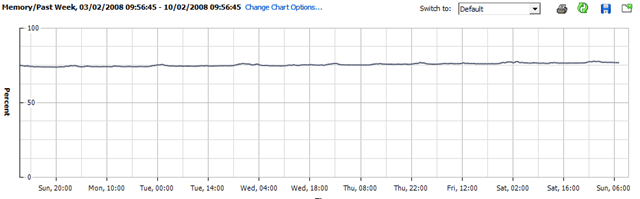
Published April 19, 2008 at 640 × 446 in VMWare Server Performance – A Practical Example
image.png
Leave a comment
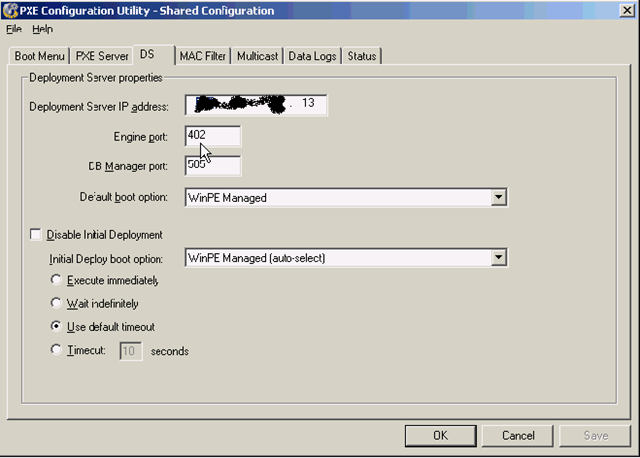
Published April 17, 2008 at 640 × 458 in HP Rapid Deployment Pack – PXE Settings for Deploying Windows OS
image.png
Leave a comment
Published April 17, 2008 at 178 × 49 in HP Rapid Deployment Pack – PXE Settings for Deploying Windows OS
image.png
Leave a comment
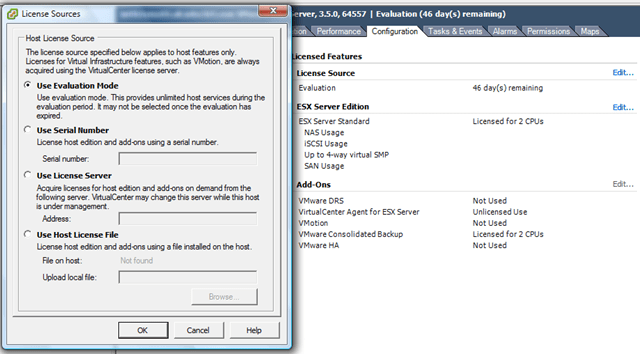
Published April 9, 2008 at 640 × 354 in How to Convert Virtual Center from Evaluation to Licensed Version
image.png
Leave a comment
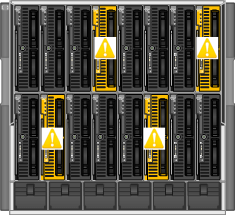
Published April 9, 2008 at 235 × 215 in How does an HP Fibre Channel Virtual Connect Module Work?
image.png
Leave a comment
Published April 9, 2008 at 115 × 123 in How does an HP Fibre Channel Virtual Connect Module Work?
image.png
Leave a comment
Published February 20, 2008 at 550 × 174 in Support for Virtualized OS/Applications – an Open Debate..
image.png
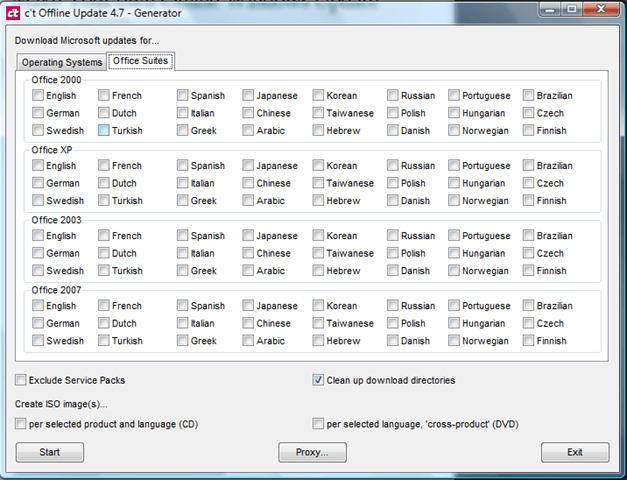
Leave a comment
Published February 12, 2008 at 627 × 480 in Make Your own Offline Windows Update CD/DVD
image.png
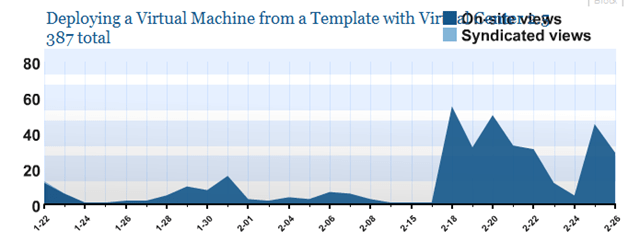
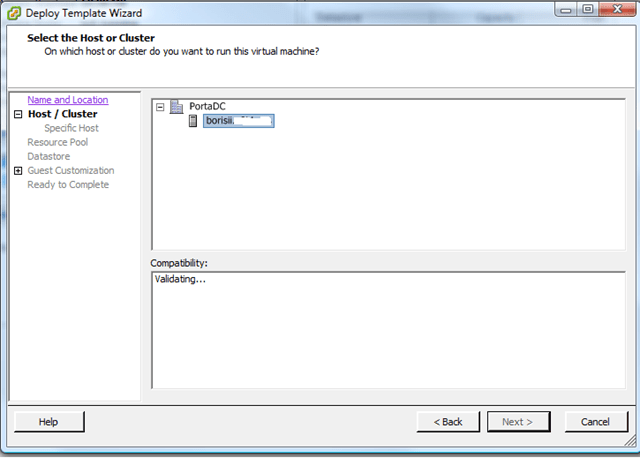
Leave a comment
Published January 22, 2008 at 640 × 458 in Deploying a Virtual Machine from a Template with Virtual Center 2.5
Join 106 other subscribers